 Tabular
Tabular
Tabular
Tabular is a Chrome & Edge extension that converts any web listing — search results, catalogs, directories, tables — into a clean table you can export to CSV or Excel, in one click.
Built for the sites that other scrapers choke on — infinite scroll, pagination, content behind your login — while keeping everything on your machine.
Finds repeated items and HTML tables on the page and shows a live preview. Several lists? Switch between them.
"Capture all" scrolls for you and accumulates rows as they appear, with no duplicates.
Go to the next page and Tabular keeps and merges what you captured — whether the page reloads or loads via AJAX.
Include or exclude any column with one click, then export exactly what you need.
Export to CSV (UTF-8) or a real Excel .xlsx file, ready to open and use.
Extraction happens in your browser. Your data never leaves your machine. No accounts, no telemetry.
Real pages, turned into clean, exportable tables.
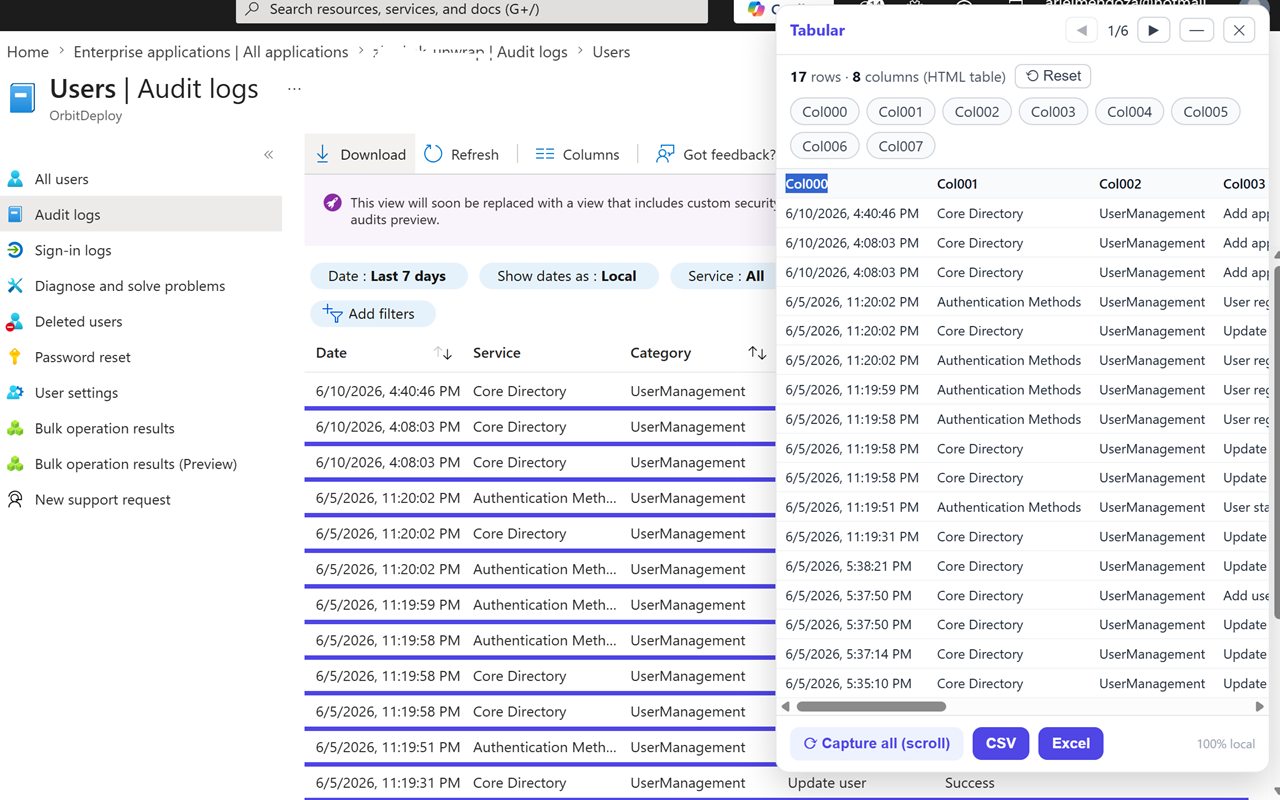
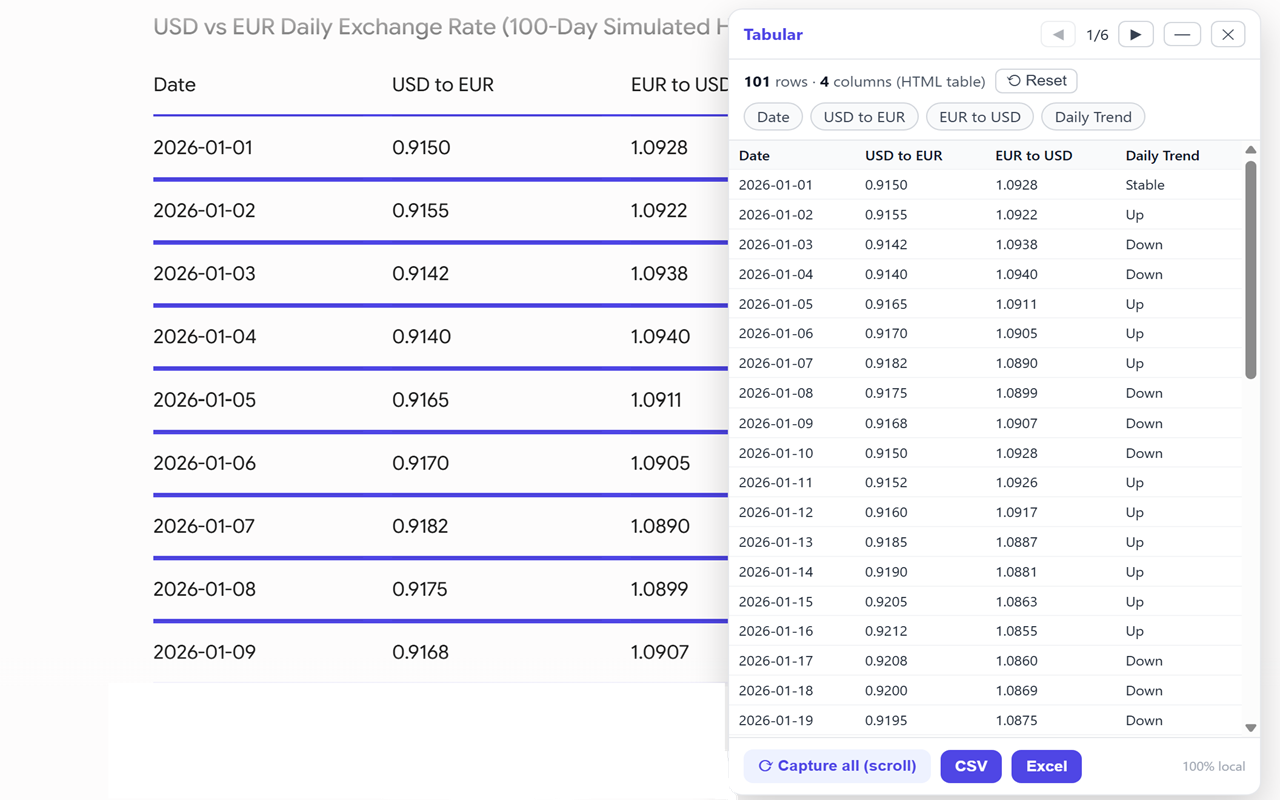
From a web list to an exportable table, in a few clicks.
Free for everyday use. A one-time payment unlocks unlimited capture — no subscription.